


Find any tab quickly
Search across all your windows by page title or website address.
 Tab Manager v2
See every tab across every window in one searchable workspace.
Find the page you need, organize tabs together, and clear out duplicates without switching between windows.
Free and open source. Your tab data stays in your browser.
No installation needed. Explore with sample tabs.
Using a phone? Try the demo, or check browser support before installing.
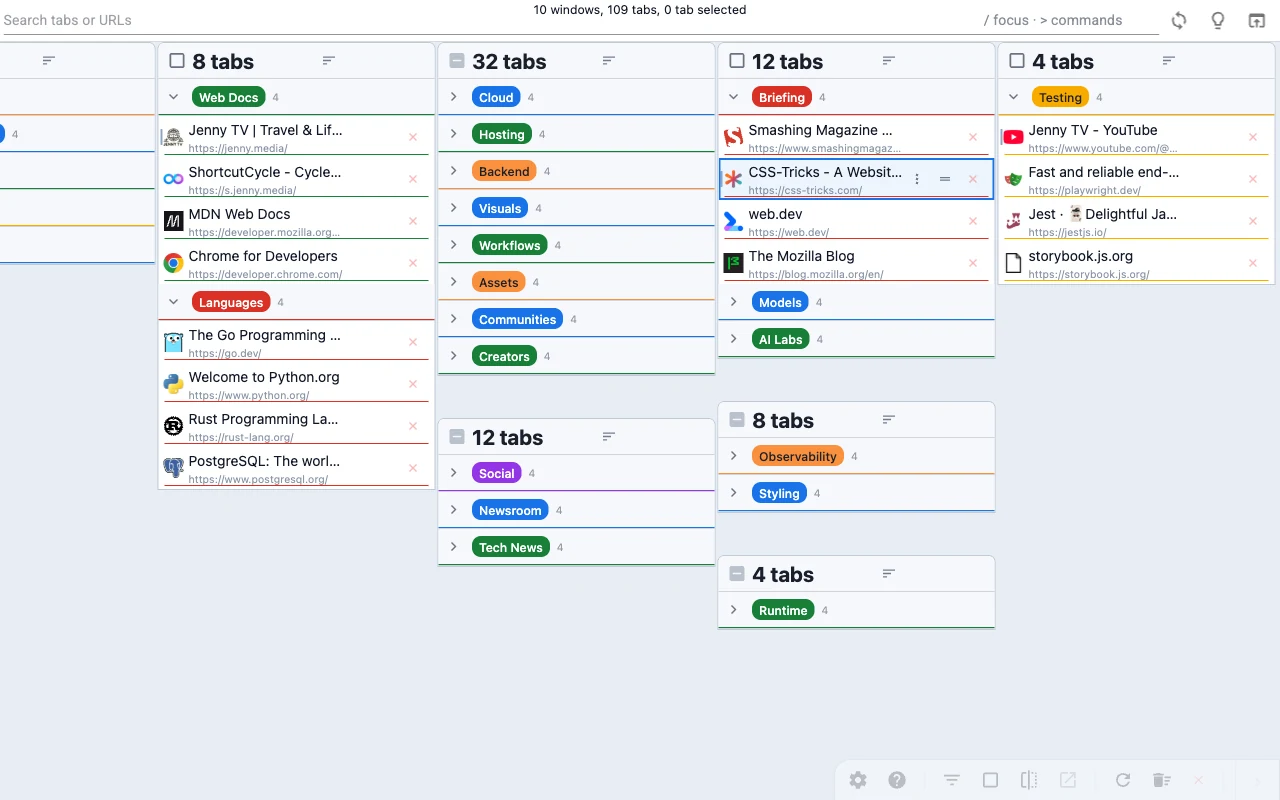
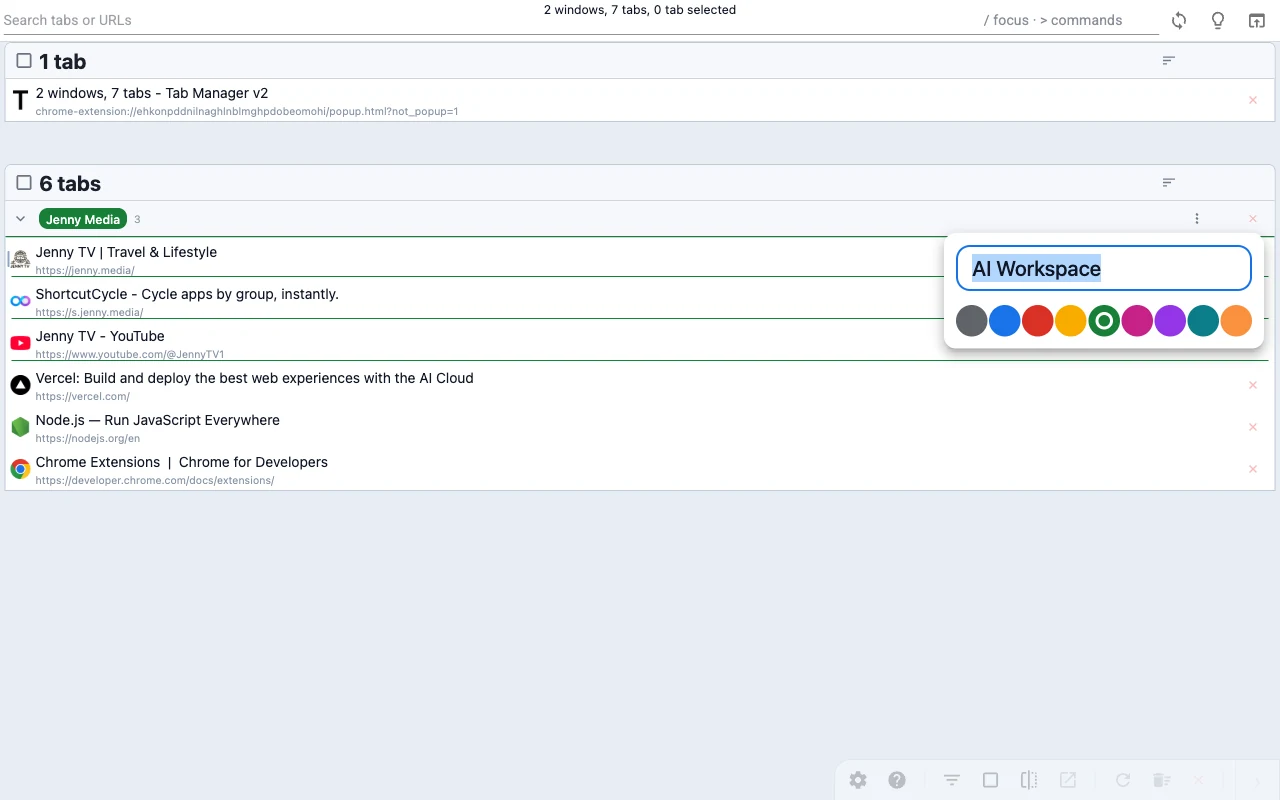 Edit your browser’s tab groups where supported by the
browser.
Edit your browser’s tab groups where supported by the
browser.
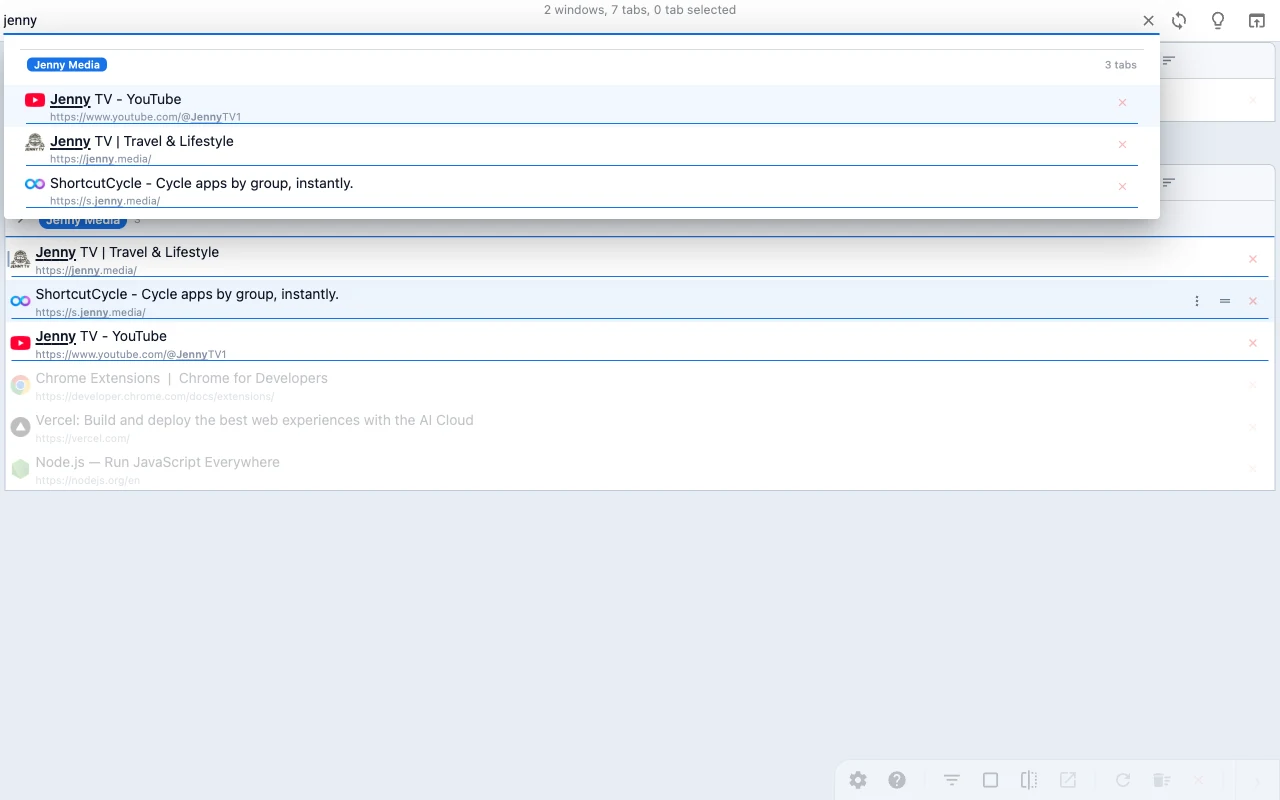 Search across windows and grouped tabs from one place.
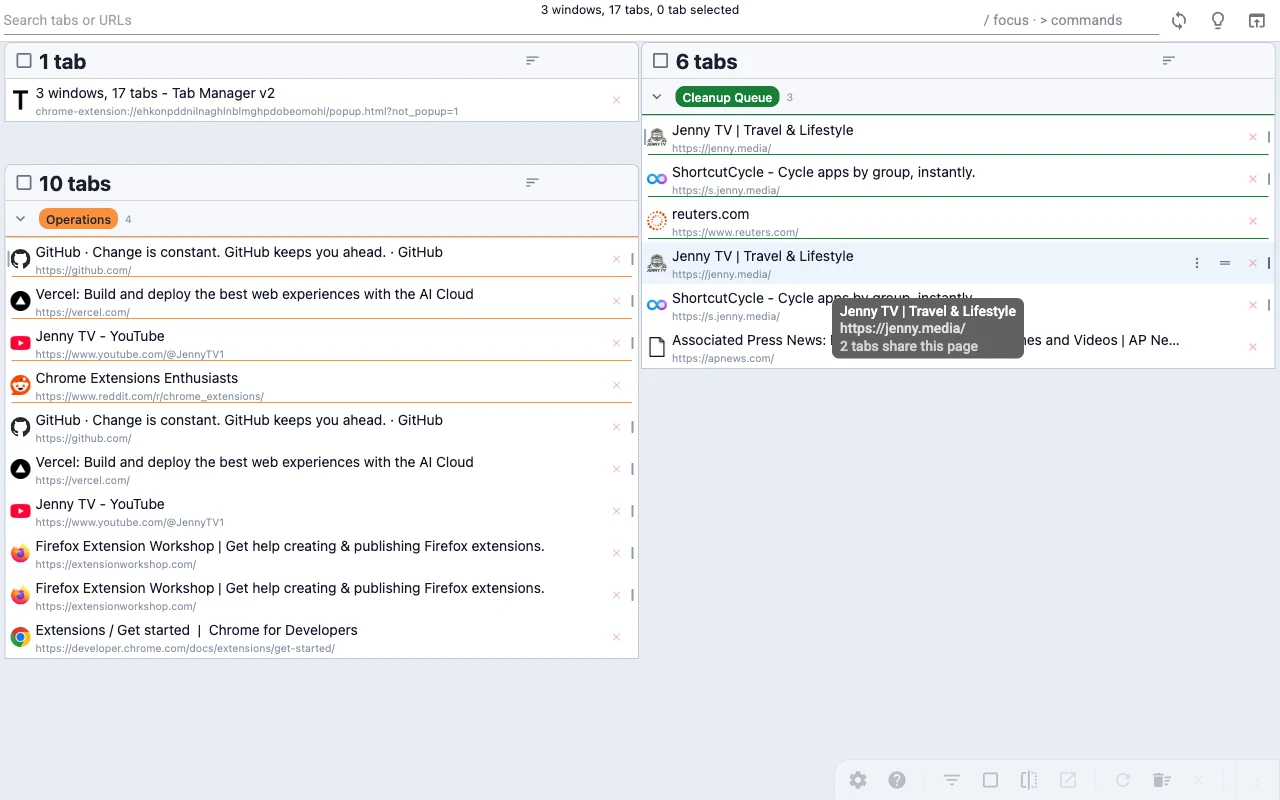 Spot duplicate tabs fast and close them in bulk.
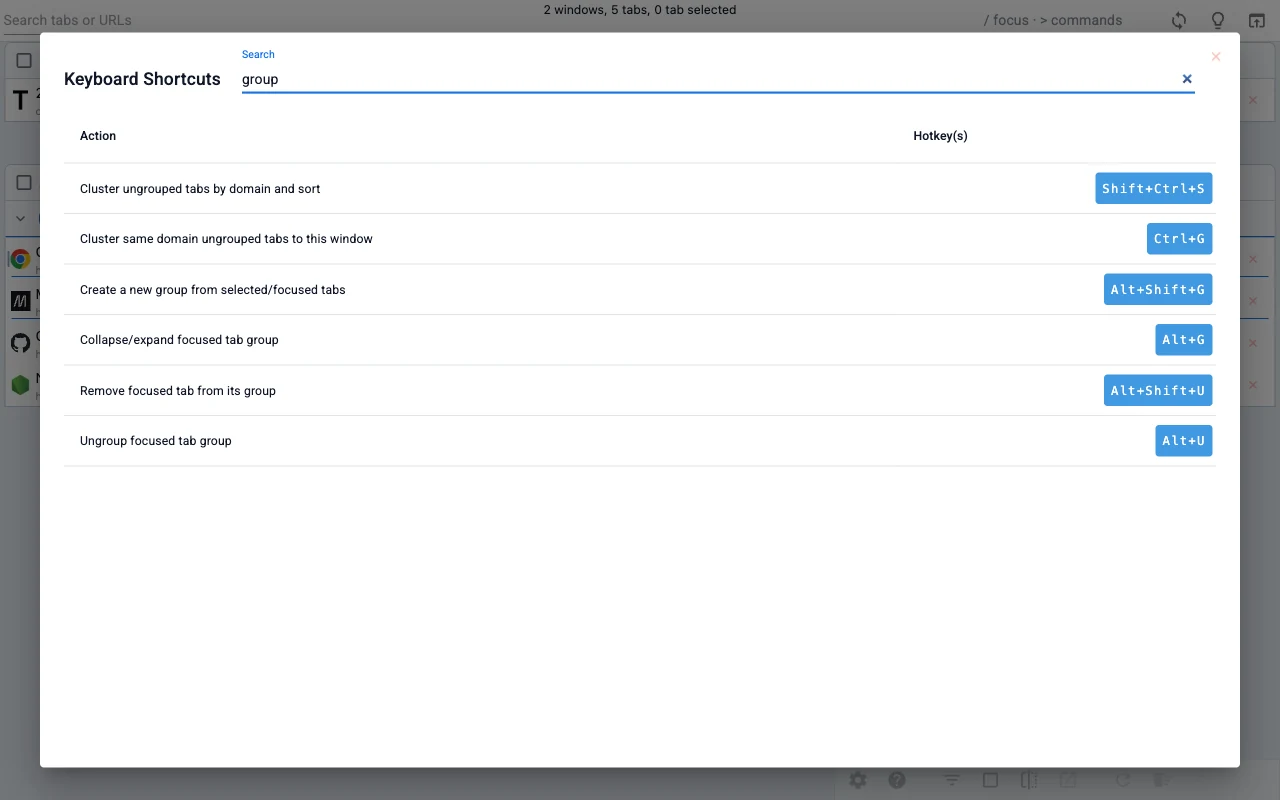 Learn the shortcut map without leaving the interface.
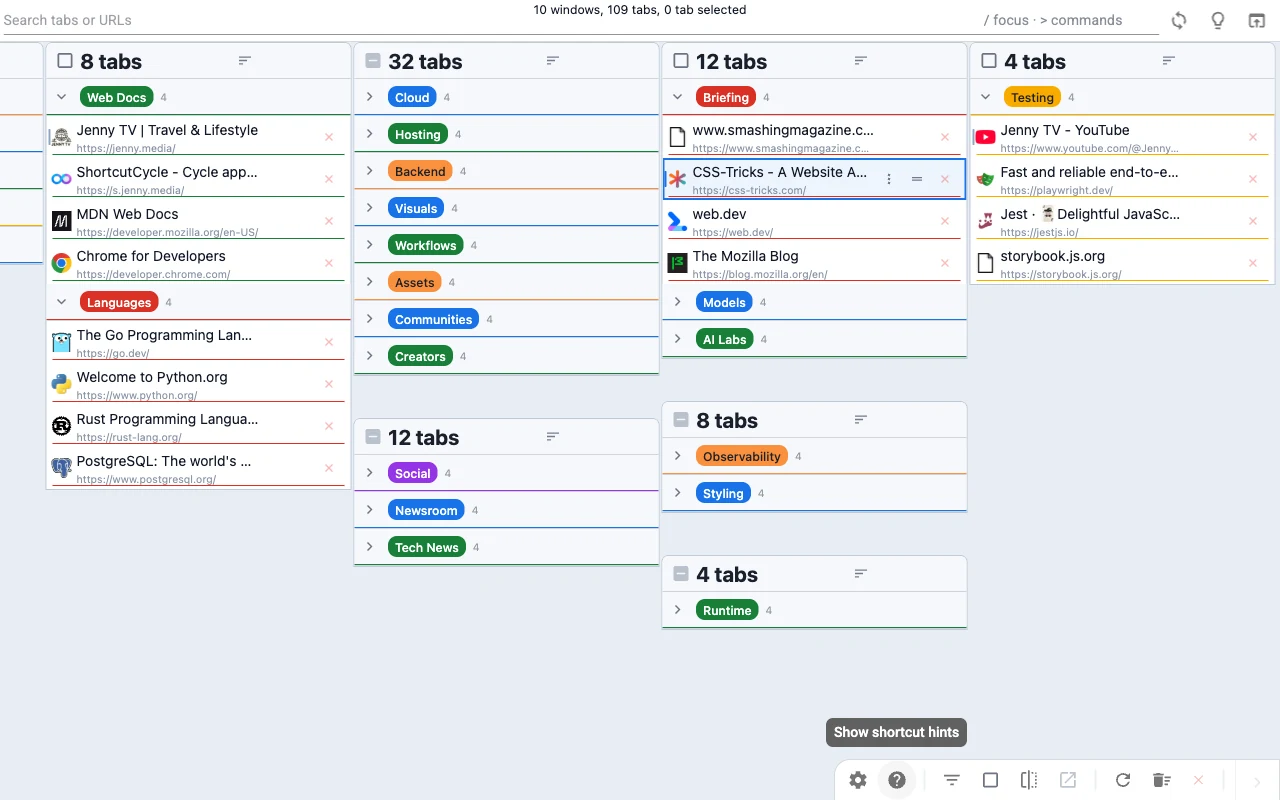 Stay oriented inside large tab groups where supported by the
browser.
Stay oriented inside large tab groups where supported by the
browser.
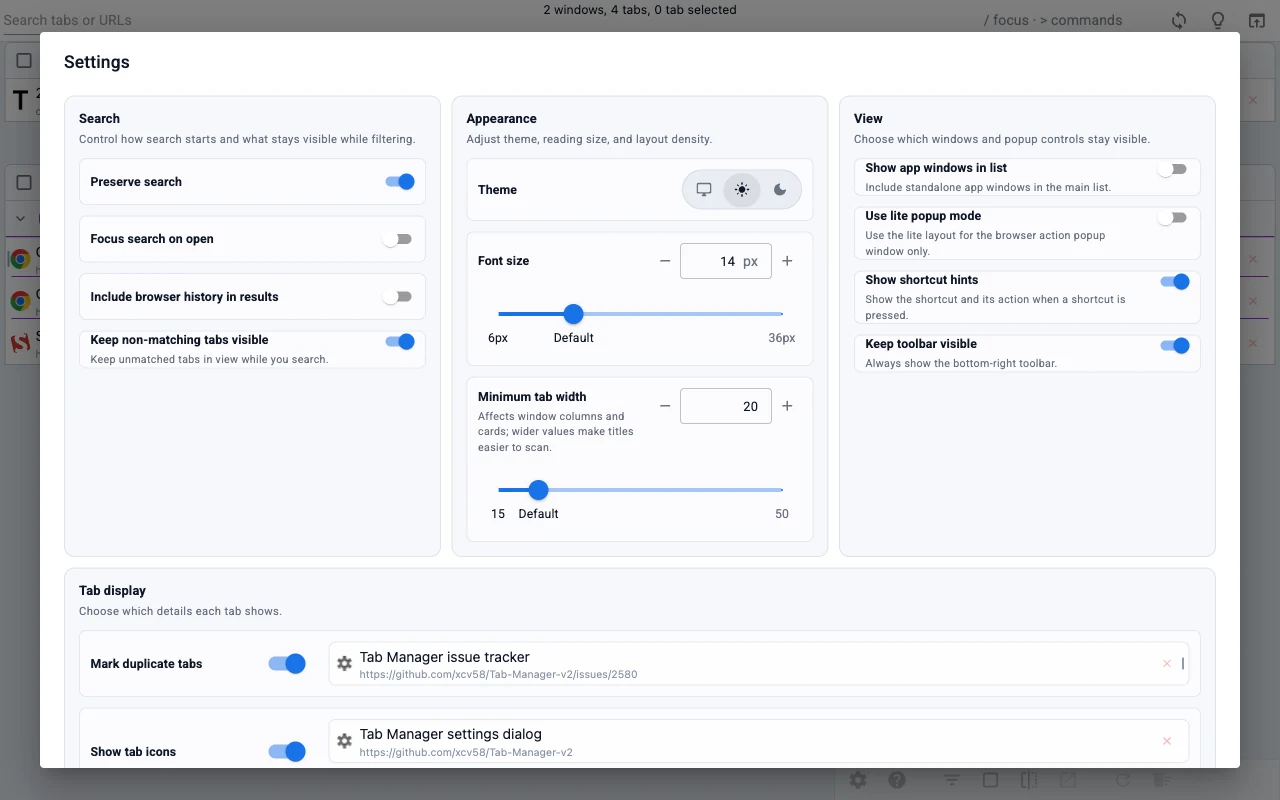 Adjust the view to match your workflow.
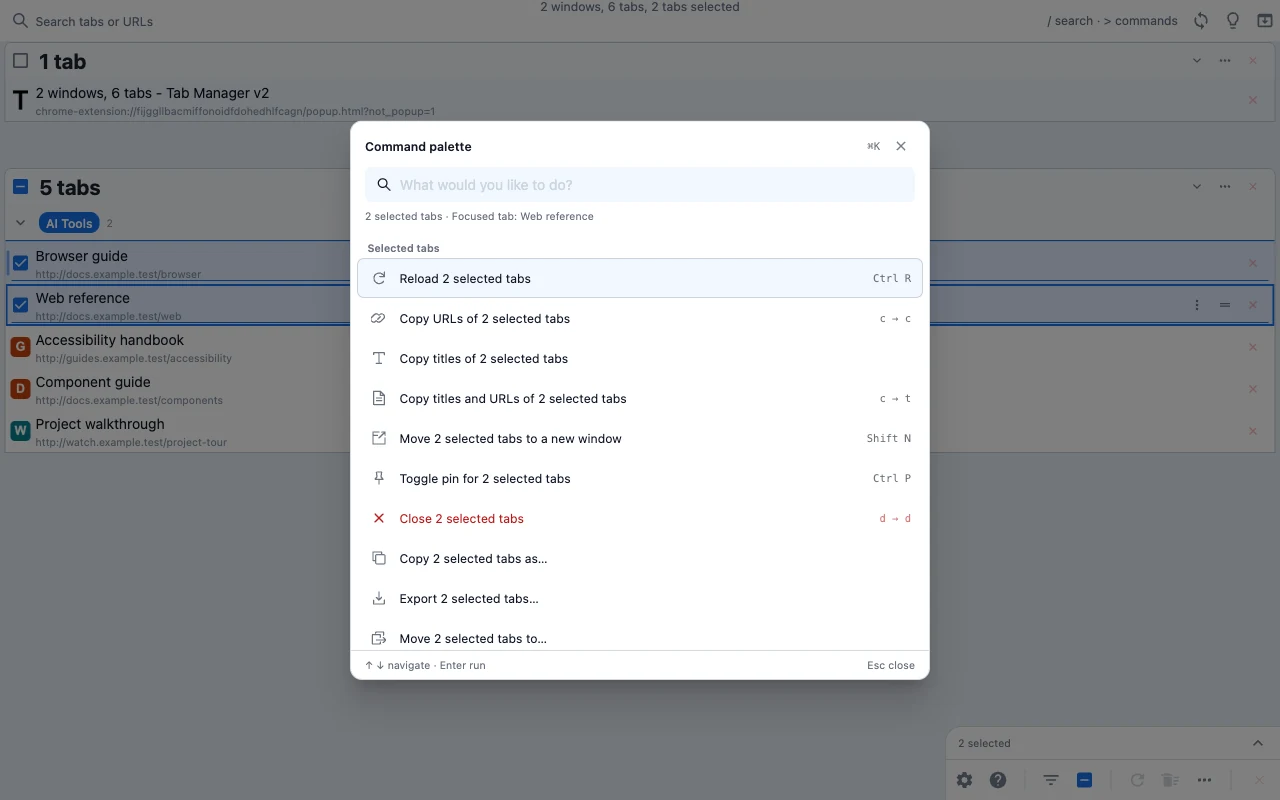 Type what you want to do.
Search, clean up, organize, and customize tabs in one quick walkthrough, then see how it handles a crowded workspace.
Jump To A Scene
Recorded with 1,024 local sample tabs and unloaded background pages. This demonstrates Tab Manager’s interface, not website loading speed.
Watch automated checks of search, grouping, cleanup, shortcuts, and settings, played at 10× speed.
When your browser turns into a working set, the hard part is no longer opening tabs. It is finding, comparing, and cleaning them up quickly.
Browser tab bars and switching windows
One searchable workspace
Find the page you need, tidy up extra tabs, or organize a busy browser.
Search across all your windows by page title or website address.
Move several tabs between windows, or keep related pages in named, colored groups. Drag to arrange them or right-click for more actions.
Find repeated tabs and close the extras to make your browser easier to manage.
Copy page titles and links, or download a list for later. Expand long titles and addresses to read and copy the full text.
Select a few tabs, then type to find actions to move, copy, or save them together. Use shortcuts to keep your hands on the keyboard.
Adjust colors, text size, and layout. Search settings and see previews as you make changes.
Tab Manager v2 supports Chrome, Edge, and Firefox. There is no Safari version.
Settings are stored in browser sync storage when the browser supports it. If sync storage is unavailable, the extension falls back to local storage so everything still works.
It needs access to your open tabs and windows, saved settings, and browser features such as tab groups. Search includes browser history by default; turn off “Include browser history in results” in Settings to hide it. Your tab data stays in your browser.
Yes, where supported by the browser. Tab Manager v2 lets you manage your browser’s tab groups directly without leaving the extension.
No. If you want labels for related tabs, use your browser’s tab groups instead. Tab Manager v2 can rename and recolor those groups where supported by the browser.